

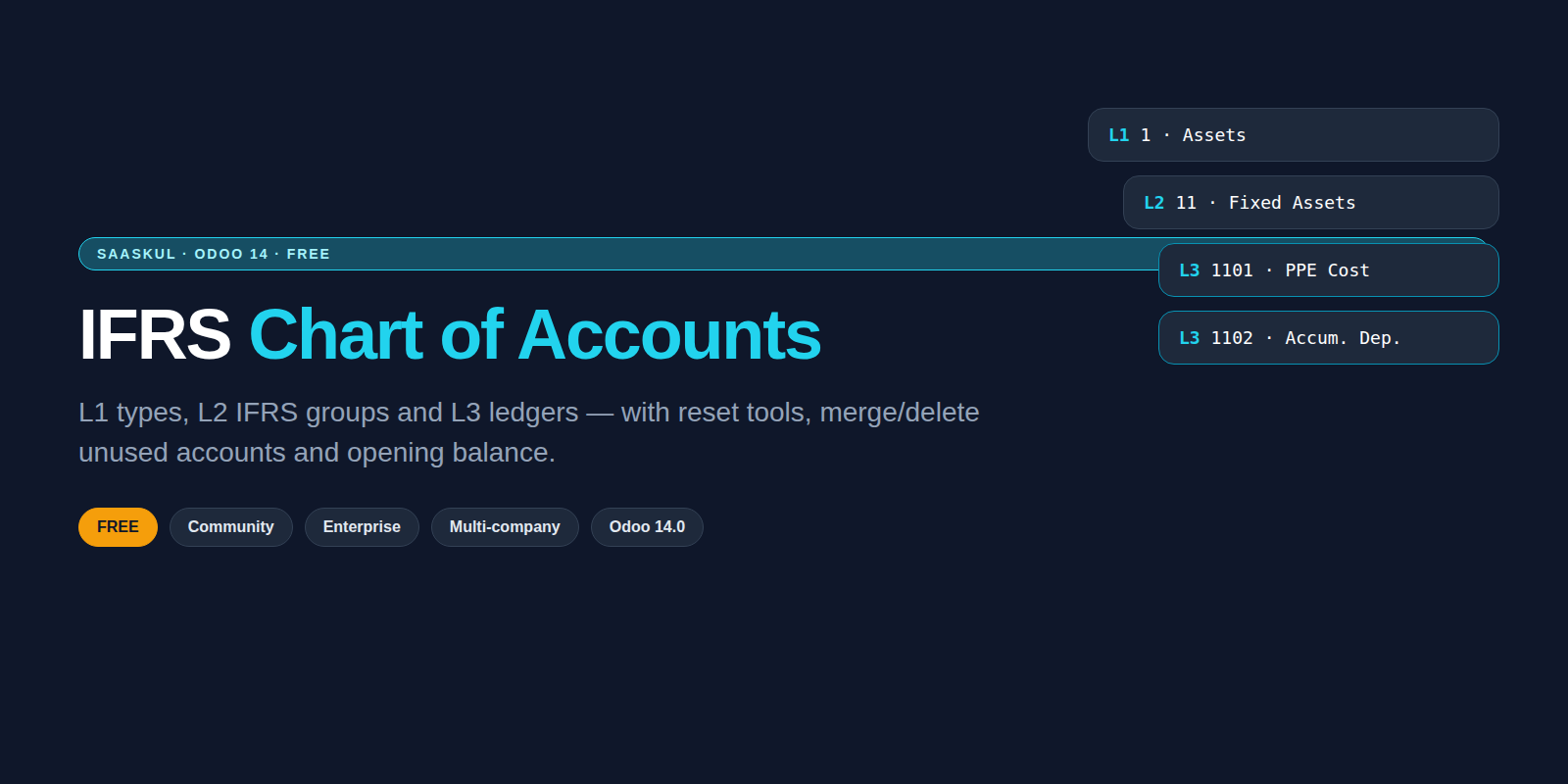
IFRS Chart of Accounts
You bought this module and need support? Click here

IFRS Chart of Accounts
Structure your Odoo ledgers the IFRS way: L1 types, L2 groups and L3 codes. Reset numbering, merge unused accounts and post opening balances from one place.
Stop living with a messy COA
Standard Odoo charts mix country templates, duplicate codes and leftover ledgers. This app gives you one IFRS-shaped tree and the tools to keep it clean.
✗ Codes jump between 4, 5 and 6 digits
✗ Groups do not match IFRS statements
✗ Unused ledgers pile up after every year
✗ Opening balance is a manual journal hunt
✓ Clear L1 / L2 / L3 coding rules
✓ IFRS group catalog ready to map
✓ Preview before you reset or merge
✓ Opening balance with retained earnings offset
From structure to opening balance
L1 / L2 / L3 tree
Type, IFRS group and ledger code stay linked so reports and filters make sense.
IFRS coding wizard
Apply XXXC-style codes with a preview of every rename before you commit.
Reset & regenerate
Rebuild ledger codes company-wise with options and a line-by-line preview.
Merge & delete unused
Collapse duplicate ledgers and remove accounts with no history, safely.
Opening balance
Post opening journals with an automatic retained-earnings balancing line.
Community safe
No Enterprise apps required. Extra report hooks load only when those modules exist.
Odoo 14.0 Community or Enterprise
Required apps: Accounting, Product, Purchase, Discuss
chart_of_accounts_saaskul
License OPL-1 · Author Saaskul
Short answers
Does it need Enterprise?
No. It runs on Community. Optional report hooks appear only if Enterprise report apps are installed.
Will it wipe my current chart?
No automatic wipe. Reset and regenerate tools show a preview first so you control what changes.
Multi-company?
Yes. Codes and groups stay company-aware so branches keep their own ledger numbers.
Is it free?
Yes on the Odoo Apps Store. Setup help and custom mapping are available on request.
Upgradeable to any Odoo version
IFRS Chart of Accounts ships for Odoo 14 today. Need 15–19? We port the same L1/L2/L3 tools to your series. Message us on WhatsApp or email.
WhatsApp +971 56 256 8128 [email protected]
Clean your chart, free
Need help mapping an existing COA or migrating from another ERP? The Saaskul team can help.
[email protected]name: IFRS Chart of Accounts version: 14.0.1.0.0 category: Accounting author: Saaskul license: OPL-1 depends: base, mail, account, product, purchase technical_name: chart_of_accounts_saaskul website: https://saaskul.com summary: IFRS L1/L2/L3 chart structure, ledger coding, reset tools and opening balance